|
||||||||||
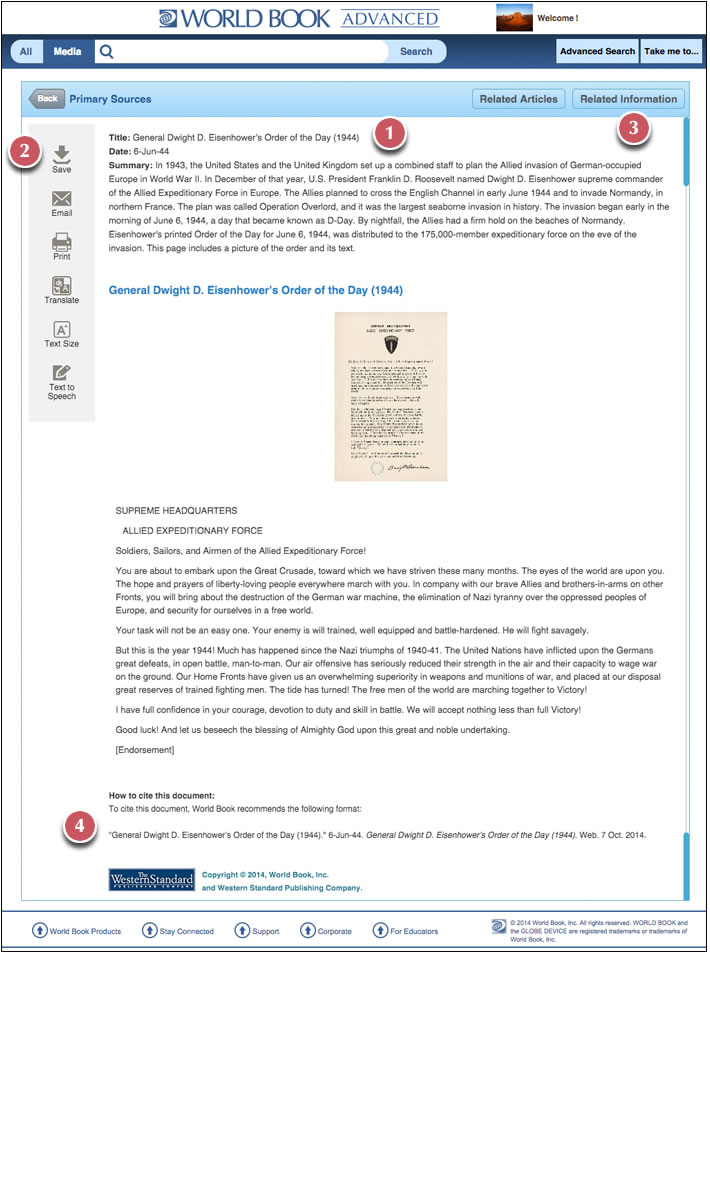
Primary Source Document Page 1. Document contents at the top right of the main column includes title, author, and publication date. 2. The Tools box at the top of the page includes options to print, e-mail, save, and save to the user’s My Research page. Other options include translate, text size, and info. 3. The Related Information section lists all of the content related to the document shown, including more primary sources, encyclopedia articles, books, Back in Time articles, Special Reports, websites, magazing articles, content standards, and questions. 4. Citations in MLA, APA, and Harvard format are displayed at the bottom of each page. |
|